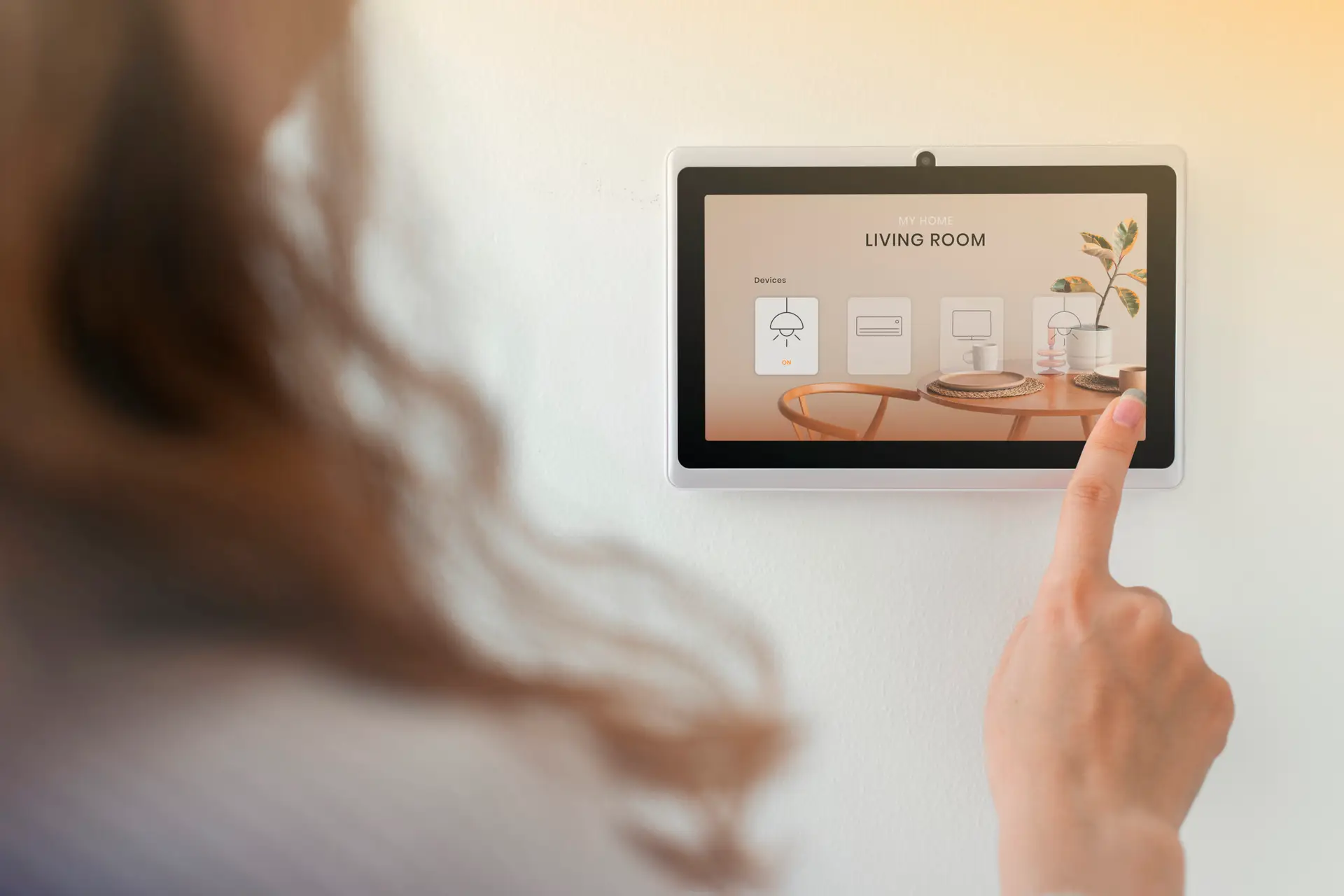
Smart thermostat settings Houston homeowners use during the summer can have a significant impact on both comfort and energy costs. With Houston’s long cooling season, high humidity levels, and frequent temperatures above 90°F, your thermostat settings play a critical role in how efficiently your HVAC system operates.
Many homeowners invest in smart thermostats expecting immediate savings, only to discover that the device is only as effective as the settings programmed into it. Even the most advanced thermostat cannot maximize efficiency if temperatures, schedules, and cooling cycles are not properly configured.
The good news is that a few strategic adjustments can help reduce energy consumption, improve indoor comfort, and minimize strain on your HVAC system during Houston’s hottest months.
Whether you’re using a Nest, Ecobee, Honeywell, or another smart thermostat, understanding the best settings for Houston’s climate can help you get the most from your cooling system while keeping utility bills under control.
Smart Thermostat Settings Houston: What Temperature Should You Use?
One of the most common questions homeowners ask is:
“What is the best thermostat setting during a Houston summer?”
While preferences vary from household to household, HVAC professionals generally recommend:
When You’re Home
76°F to 78°F
This range provides a balance between comfort and energy efficiency.
Every degree lower can increase cooling costs, especially during extreme heat.
When You’re Sleeping
74°F to 76°F
Many homeowners prefer slightly cooler temperatures at night for better sleep quality.
Smart thermostats can automatically adjust temperatures based on your schedule.
When You’re Away
80°F to 82°F
Raising the temperature while the home is unoccupied can significantly reduce energy usage without compromising comfort when you return.
Why Smart Thermostats Save More Than Traditional Thermostats
Unlike manual thermostats, smart thermostats continuously optimize HVAC operation.
They can:
- Learn household routines
- Create automated schedules
- Adjust settings remotely
- Monitor energy usage
- Reduce unnecessary cooling cycles
For Houston homeowners, these features can help lower cooling costs throughout the summer.
However, savings are only possible when the thermostat is properly programmed.
The Biggest Smart Thermostat Mistake Homeowners Make
Many people believe lowering the thermostat dramatically will cool the house faster.
This is a common misconception.
Your HVAC system cools at the same rate regardless of whether you set the thermostat to:
- 75°F
- 70°F
- 65°F
Setting extremely low temperatures simply causes the system to run longer.
This leads to:
- Higher energy bills
- Increased equipment wear
- Reduced efficiency
Smart thermostat settings should focus on consistency rather than extreme temperature adjustments.
How Houston Humidity Affects Thermostat Settings
Temperature is only part of the comfort equation.
Houston’s humidity levels often make indoor spaces feel warmer than the thermostat reading suggests.
High humidity can create:
- Sticky indoor air
- Reduced comfort
- Increased cooling demand
Many modern smart thermostats can work alongside HVAC systems to improve humidity management.
Maintaining proper humidity levels often allows homeowners to remain comfortable at slightly higher temperatures.
This translates into additional energy savings.
Create a Smart Summer Cooling Schedule
One of the most effective ways to improve HVAC efficiency is through automated scheduling.
A sample summer schedule might include:
Morning
76°F–78°F
Maintain comfort while household activity increases.
Midday (Away From Home)
80°F–82°F
Reduce unnecessary cooling during unoccupied periods.
Evening
76°F–78°F
Restore comfortable indoor temperatures before peak family activity.
Overnight
74°F–76°F
Improve sleeping comfort while maintaining efficiency.
Smart thermostats make these adjustments automatically.
Use Smart Features to Reduce Energy Consumption
Many homeowners purchase smart thermostats but never activate advanced features.
Helpful features often include:
Geofencing
The thermostat adjusts automatically based on your location.
When you leave home, cooling settings can change without manual intervention.
Adaptive Learning
Some thermostats learn your habits and automatically optimize schedules.
Energy Reports
Usage reports help identify opportunities to improve efficiency.
Remote Control
Adjust settings from anywhere using a smartphone app.
This feature is particularly useful during vacations or unexpected schedule changes.
Why HVAC Efficiency Matters More Than Thermostat Settings Alone
While thermostat settings are important, they cannot solve underlying HVAC performance issues.
If your system suffers from:
- Poor airflow
- Dirty filters
- Duct leaks
- Equipment problems
even the best thermostat settings may not deliver the expected savings.
At Cool Techies, HVAC performance evaluations focus on the entire comfort system.
This includes:
- Airflow measurement
- Ductwork performance
- Equipment efficiency
- Indoor comfort optimization
Because true efficiency comes from how the entire system works together.
Signs Your Current Thermostat Settings May Need Adjustment
You may benefit from adjusting your settings if:
- Energy bills continue increasing
- The system runs constantly
- Rooms feel unevenly cooled
- Humidity remains high indoors
- Comfort varies throughout the day
Small adjustments often produce noticeable improvements in both comfort and operating costs.
Smart Thermostats and HVAC System Lifespan
Many homeowners focus solely on utility savings.
However, optimized thermostat settings can also help protect HVAC equipment.
Reducing excessive runtime can:
- Lower system strain
- Reduce wear on components
- Minimize repair frequency
- Extend equipment lifespan
Over time, these benefits can be just as valuable as direct energy savings.
Smart thermostat settings Houston homeowners choose can significantly influence comfort, energy efficiency, and HVAC performance throughout the summer. While every household has different preferences, maintaining temperatures between 76°F and 78°F when occupied and using automated scheduling can help balance comfort and cost savings.
The most effective strategy combines smart thermostat technology with proper HVAC maintenance, balanced airflow, and overall system efficiency.
When your thermostat and HVAC system work together, you can enjoy a cooler home, lower energy bills, and improved comfort during Houston’s hottest months.
FAQs
What is the best thermostat setting for summer in Houston?
Most HVAC professionals recommend 76°F to 78°F while at home and 80°F to 82°F when away.
Do smart thermostats really save money?
Yes. When programmed correctly, smart thermostats can reduce unnecessary cooling cycles and improve overall energy efficiency.
Should I turn my thermostat down when it’s extremely hot outside?
Not necessarily. Lowering the thermostat significantly will not cool the home faster and may increase energy consumption.
By Calixto Armas